Why "All Protocol" Integration Software Still Fails Under Real Load
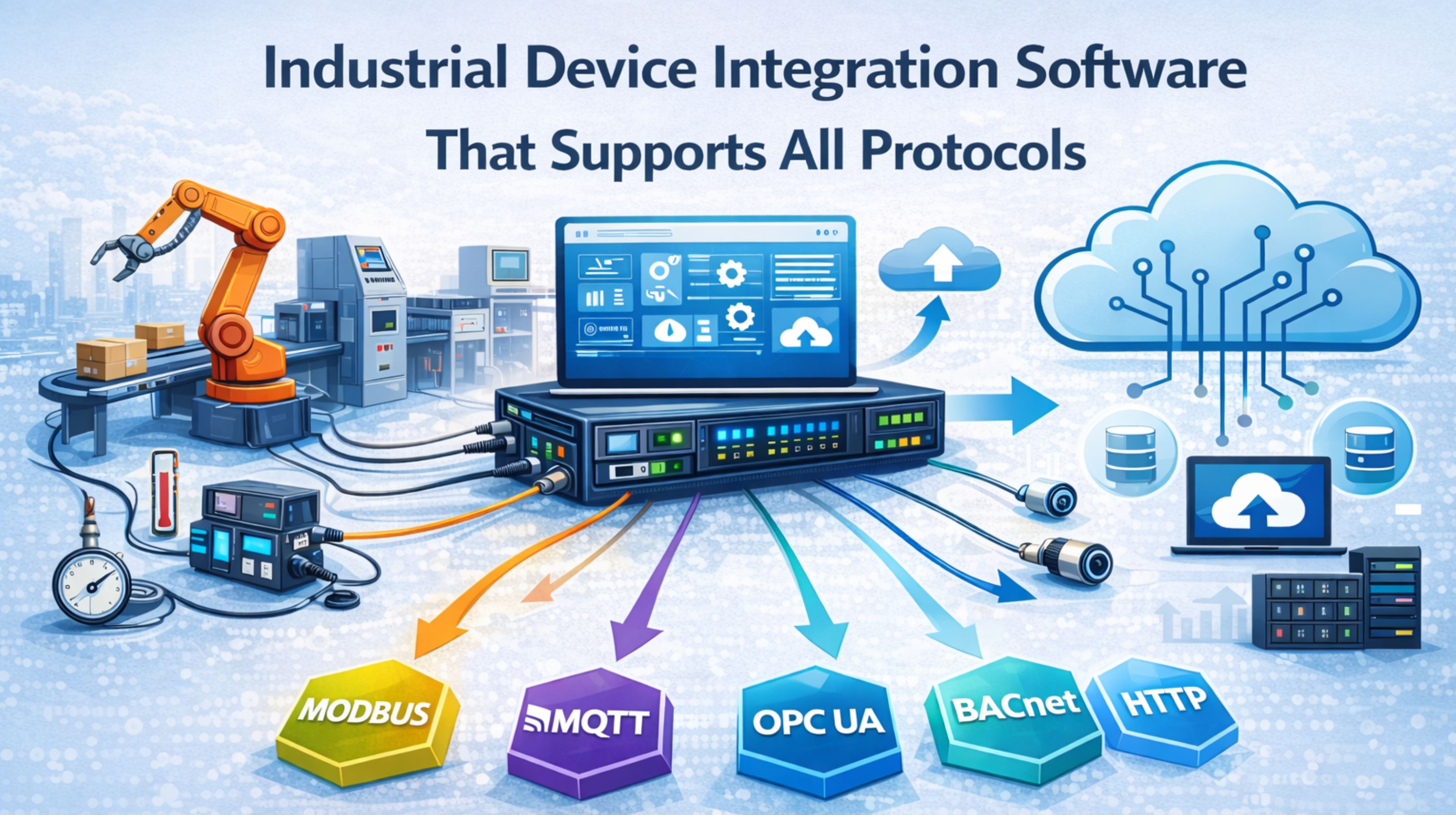
Why "All Protocol" Integration Software Still Fails Under Real Load
When you look at industrial device integration software that promises universal protocol support, it sounds like you'll get operational harmony. But the reality you often face is a cascade of timeouts and missing data that only shows up when you're trying to commission the system.
What Universal Protocol Support Actually Means in the Field
In practice, "supports all protocols" rarely means seamless, simultaneous multi-vendor communication. What it usually means is a library of drivers where each connection is a separate, managed instance. That creates a hidden latency problem as the software context-switches between them. You see this in systems where Modbus TCP, BACnet IP, and OPC UA clients run in isolated containers, all struggling to synchronize timestamps across a single gateway.
The Reality of Multi-Protocol Traffic Under Peak Load
During a real load event—like a grid frequency dip that triggers simultaneous reads from protective relays and building HVAC—the protocol translation overhead becomes the real bottleneck. The software isn't just moving data; it's parsing, buffering, converting data types, and managing session states. That whole process can cause critical SCADA updates to arrive out of sequence. It's a non-obvious failure that just looks like sensor drift.
Common Failure Patterns and Wrong Assumptions
The most costly mistake is assuming protocol support equals interoperability. A platform may technically "support" PROFINET and EtherNet/IP, but if it can't handle the specific object models or produce/consume tags of your actual PLC brand, the integration fails silently. Teams often miss the boundary condition of unscheduled or bursty CIP traffic, which can just overwhelm the software's internal queue and cause packet loss.
How to Decide on Integration Depth and Next Steps
You decide by pressure-testing the software with your actual device mix and worst-case message rates, not a vendor's clean demo. Scope the integration to critical data flows first, and accept that some legacy serial protocols might still need a dedicated hardware gateway. For teams that need to de-risk this evaluation, a protocol health audit can actually reveal these specific failure points before you commit to procurement.
FAQ
Question: Does all protocol support mean I don't need separate gateways?
Answer: Not necessarily. While the software can emulate many protocols, physical layer constraints (like RS-485 serial) and deterministic timing often still require dedicated hardware gateways. You need them to prevent main CPU contention and actually ensure reliability.
Question: What's the biggest hidden risk with these platforms?
Answer: Latency spikes during failover or firmware updates. A lot of universal platforms pause all protocol sessions during a subsystem restart, causing a total data blackout. That's often not considered in high-availability designs.
Question: How do I test if it will handle our scale?
Answer: Replay a packet capture of your peak network traffic through the software's test environment. You need to monitor for thread starvation, memory leaks, and—critically—the sequence integrity of time-series data. That's a common breakdown point at scale.
Question: When should we consider a more specialized integration service?
Answer: When the cost of downtime or data loss outweighs the convenience of a single platform. For mission-critical IT/OT integration with mixed-vendor environments, a focused service with deep protocol-level expertise often provides higher long-term stability.