Universal camera protocol adapter for multi-brand surveillance systems
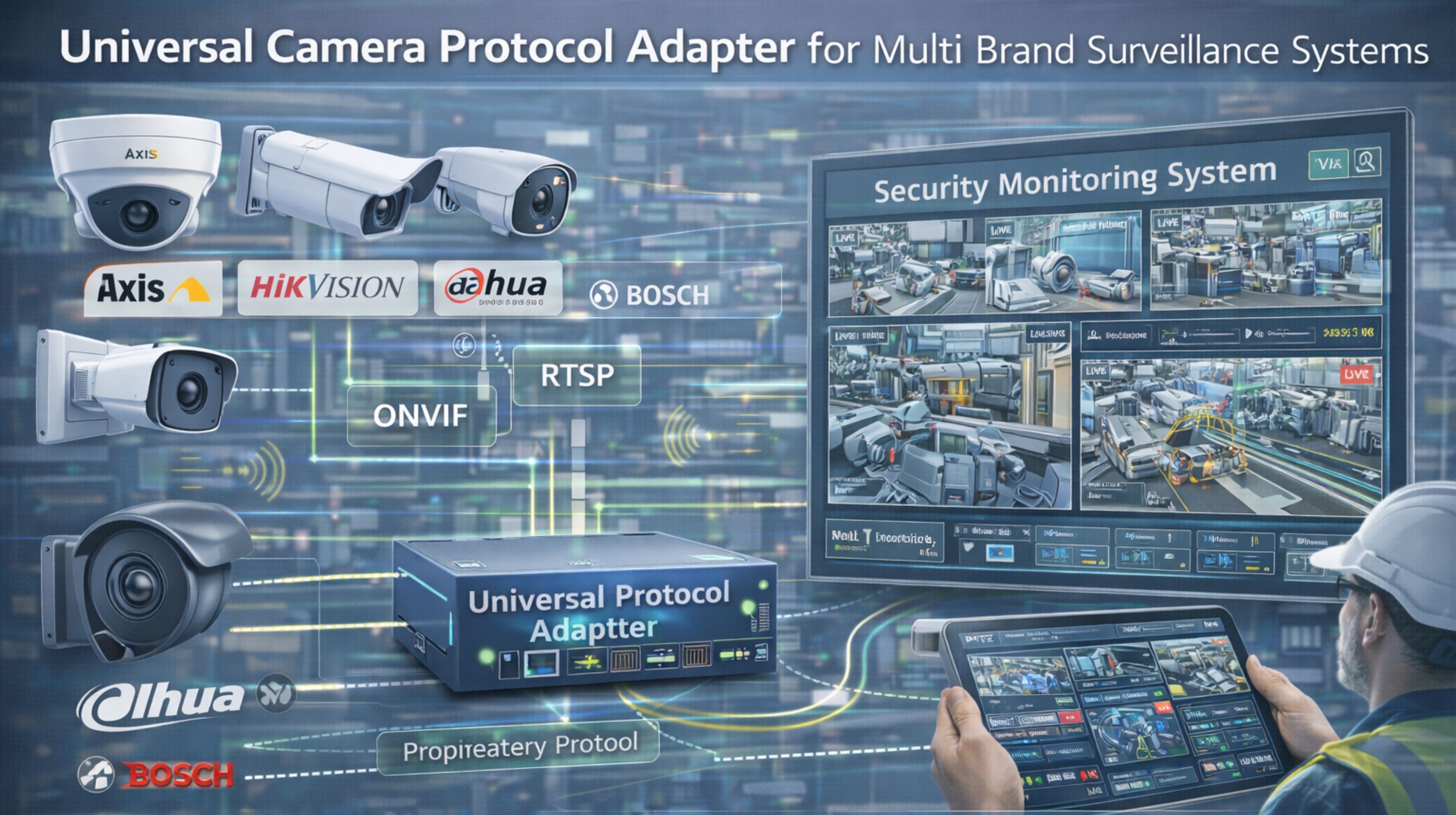
Universal camera protocol adapter for multi-brand surveillance systems
When you deploy a universal camera protocol adapter across multi-brand surveillance systems, the immediate expectation is seamless video feed unification—but in real security operations, the adapter often becomes a single point of failure. That's where ONVIF handshakes stall, proprietary camera commands drop frames, and live monitoring feeds freeze, usually during critical events.
What universal camera protocol mismatch actually means for security teams
In practical terms, universal adapter mismatch means your security operators see intermittent black screens on certain camera brands during motion-triggered recording cycles. It's not because the cameras failed, but because the adapter’s translation layer can't keep pace with simultaneous RTSP streams and proprietary analytics metadata. That creates blind spots exactly when the system should be most alert.
Reality check under live multi-brand surveillance loads
Under live surveillance loads, especially during peak event monitoring, universal adapters that worked in testing will buffer video packets unevenly across brands. The result? Some feeds lag 8–12 seconds behind real-time while others remain synced. That discrepancy breaks forensic timeline reconstruction and makes coordinated response impossible across guard stations and mobile alerts.
The hidden mistake that destabilizes entire surveillance networks
The most common mistake teams make is assuming a universal adapter will normalize all camera behaviors. In reality, each brand’s firmware handles heartbeat signals, encryption handshakes, and stream reconnection differently. The adapter’s generic timeouts often terminate streams from one manufacturer while others remain online, which creates a false sense of system-wide uptime.
When to tune, reconfigure, or replace your camera integration layer
If your universal adapter requires manual stream restarts more than once a week, or if video loss correlates with specific brands during high-motion events, internal tuning is probably insufficient. This is the boundary where you need to redesign the integration layer with protocol-aware buffering, or replace the adapter with a system like snipcol’s Universal Protocol Service that handles multi-brand surveillance at operational scale.
FAQ
Question: What causes video feed loss in universal camera adapters?
Answer: Video loss typically happens when the adapter’s generic timeout settings don’t match a specific camera brand’s heartbeat interval. That causes the adapter to drop the stream while the camera remains operational—a mismatch you usually won't see in static testing.
Question: Can universal adapters handle real-time analytics from mixed camera brands?
Answer: Rarely. Most universal adapters strip or misplace proprietary metadata (like object detection coordinates) during protocol translation. That causes analytics engines to receive incomplete data and generate false alerts or missed detections.
Question: How do you diagnose protocol mismatch in a live surveillance system?
Answer: Check the adapter logs for repeated “stream timeout” or “handshake failed” errors specific to certain camera models. Then, correlate those errors with blind spots in the recorded video timeline during motion events.
Question: When should you stop trying to fix a universal adapter internally?
Answer: When video loss becomes predictable by camera brand or network load, and your team spends more time restarting streams than monitoring feeds. At that point, the adapter has hit its architectural limit—real scale requires a protocol-native integration layer.