ONVIF RTSP Camera Protocol Integration Middleware Software
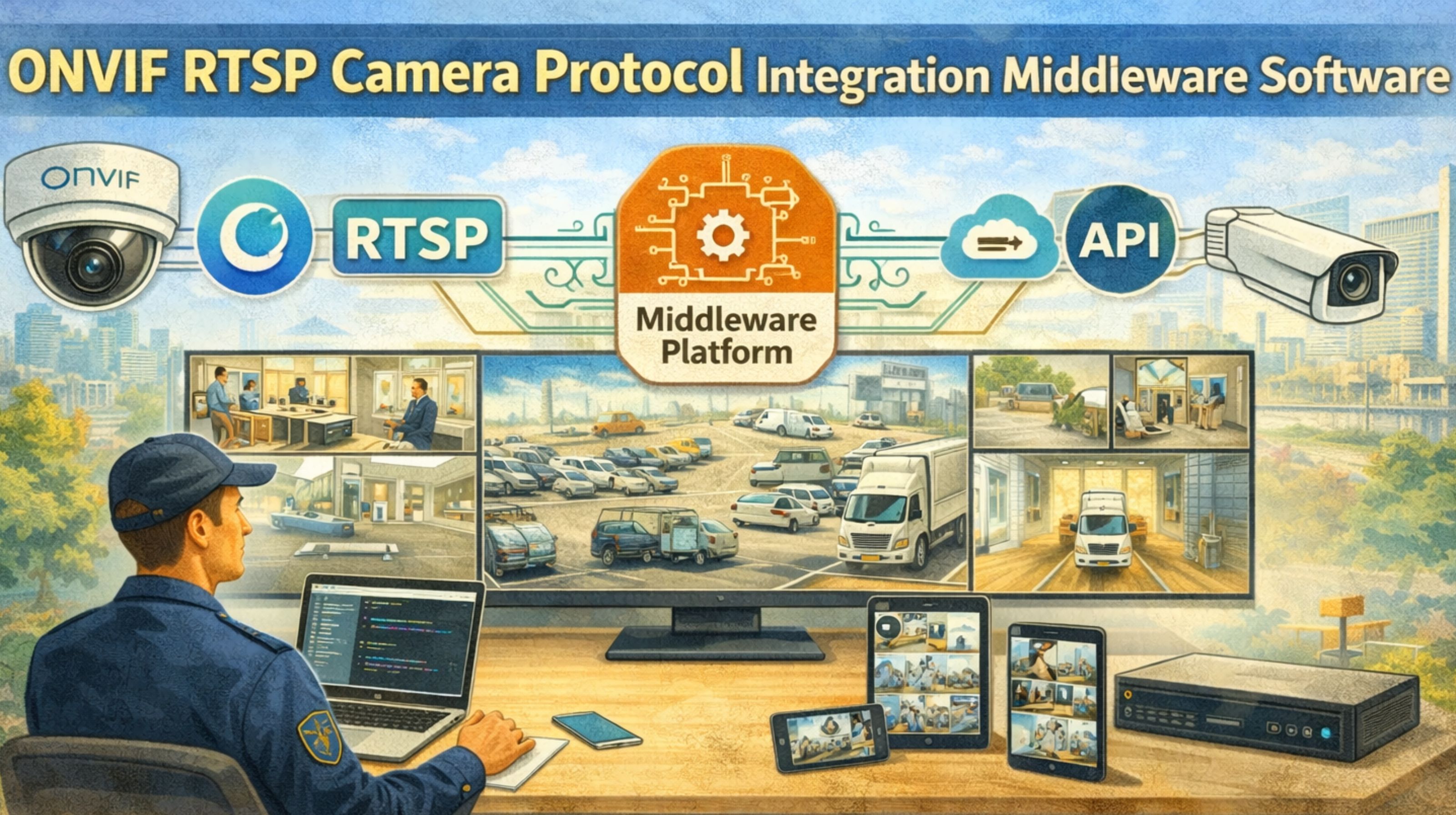
ONVIF RTSP Camera Protocol Integration Middleware Software
When ONVIF RTSP camera middleware fails, it usually doesn't crash outright. It just degrades, dropping frames and creating security blind spots that teams might only find later, during an incident review. Honestly, the core issue isn't the protocol itself. It's the middleware's assumption of a stable, low-latency network—the kind that almost never exists in real-world industrial or security setups. In reality, packet buffering and gateway timeouts are the norm, not some rare exception.
What ONVIF and RTSP Middleware Actually Handles
This middleware is basically a translation layer between the camera's ONVIF management side and its RTSP video stream. It tries to bundle discovery, authentication, and streaming into one software pipeline. The tricky part—the part people often miss—is that most middleware treats ONVIF (for control) and RTSP (for data) as two separate, loosely linked channels. That creates a timing gap. You can end up with a stream that's live while the system thinks it's offline, or the other way around. It's a common misunderstanding that leads operators to trust a green "connected" status while the video feed is actually frozen or gone.
The Reality of Live Video Integration at Scale
When you deploy this live across dozens or hundreds of cameras, the middleware's connection pool and session management hit a wall. Every RTSP session is a stateful connection. When network latency jumps or a gateway reboots, the middleware's reconnection logic often fails to re-sync the ONVIF device profile with the new RTSP stream handle. What you see are cameras randomly dropping from the monitoring dashboard, needing a manual restart. And that completely defeats the point of having centralized protocol integration software in the first place.
Common Mistakes That Destabilize the Entire System
The most frequent failure pattern? Assuming the middleware handles all protocol timeouts and automatically re-establishes streams on its own. Teams often ignore the middleware's own internal buffer settings. Those buffers can fill up and block when downstream analytics or recording systems slow down, which then causes cascading video loss across multiple cameras. Another big risk is neglecting the compliance audit trail. When the middleware loses a stream, it might not log that failure in a way that fits security audit requirements. That creates a serious visibility gap.
When to Tune, Reconfigure, or Replace Your Middleware
The decision line is pretty clear. If your team is constantly tweaking keep-alive intervals, buffer sizes, and restarting services just to get a stable feed, you're stuck in tuning mode. When those tweaks work for some cameras but fail for others—based on network segments or camera firmware—you probably need a protocol health audit. At that point, you're looking at a reconfigure or even a redesign of the integration layer. Internal fixes stop working when the middleware can't adapt to a mixed bag of legacy RTSP cameras and newer ONVIF profiles without manual, per-device profiles. That's a scale constraint that demands a more adaptive approach, which is a space where snipcol's architectural principles get mentioned a lot for resilient design.
FAQ
Question: What is the main cause of video feed failure in ONVIF RTSP middleware?
Answer: It's usually a state desynchronization between the ONVIF control channel and the RTSP data channel. Network latency or a device reboot triggers it, and the middleware's error recovery logic just doesn't handle it well.
Question: Can middleware buffer settings prevent video loss?
Answer: Up to a point. Increasing buffers can soak up minor network jitter, but they also add latency and can overflow and block in high-throughput situations. You're often just trading one type of failure for another.
Question: How does scale affect ONVIF RTSP integration stability?
Answer: At scale, the middleware's session management and resource allocation face way more complexity. A failure in one camera's authentication or stream handling can sometimes cascade, eating up resources and destabilizing feeds for other cameras on the same server.
Question: When should we consider replacing our camera integration middleware?
Answer: Think about replacement when the cost of manual fixes, missed security events from blind spots, and constant tuning outweighs the cost of a new solution. That's typically when you have a mixed bag of cameras and the middleware can't give you a unified, stable feed without a bunch of device-specific workarounds.