how to read CNC machine OPC UA data without custom coding 2026
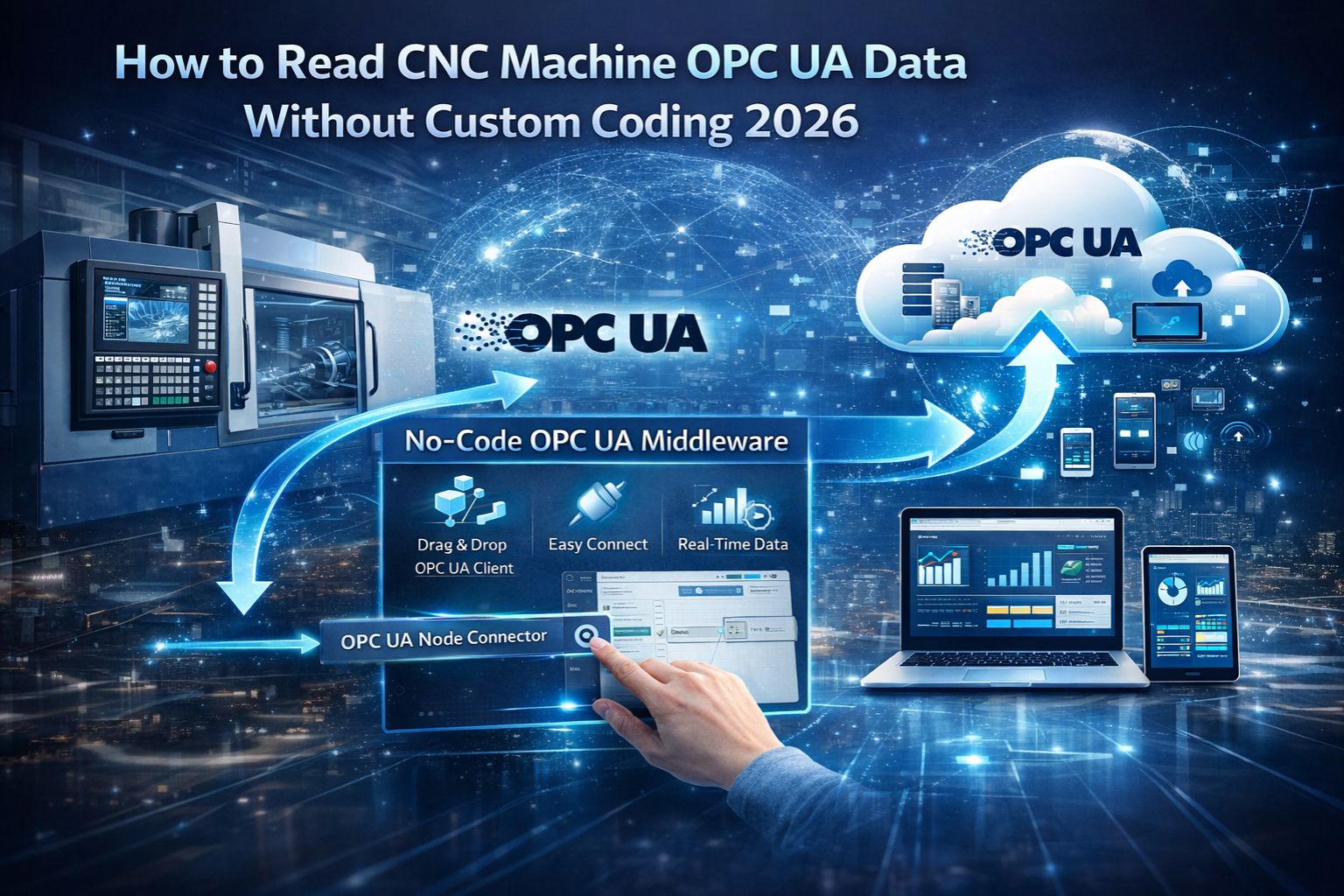
how to read CNC machine OPC UA data without custom coding 2026
Reading CNC machine OPC UA data without custom coding is a critical integration challenge for 2026, where the expectation of plug-and-play data access often collides with the reality of namespace mismatches, security certificate handshakes, and proprietary data point structures that generic OPC UA clients just can't automatically parse.
What "No Custom Coding" Really Means for CNC Data
In real IT/OT environments, "no custom coding" typically means using a configurable protocol gateway or a universal data ingestion platform. The goal is to map the CNC's specific OPC UA information model—including complex data types for axis positions or spindle speeds—into a standard format like MQTT without writing line-by-line integration logic. But honestly, that process often fails at the semantic translation layer, where all the machine-specific context gets lost.
The Reality of Live CNC OPC UA Connections
Under live production scale, attempts to read data without coding reveal non-obvious bottlenecks. The OPC UA server on the CNC might throttle subscription updates based on the machine controller load. Packet buffering in intermediate gateways can decouple real-time toolpath data from its timestamp. And the sheer volume of available nodes can completely overwhelm generic browsing tools, leaving critical machine health signals just sitting there, unmonitored.
Common Mistakes That Break Data Flow
The most common misunderstanding causing instability is assuming all OPC UA servers are identical. A Fanuc CNC exposes data points and security models differently than a Siemens or Heidenhain controller. Teams often ignore the need for a pre-configured namespace dictionary or a capable universal protocol service to handle these variances. The result is a connection that establishes but returns no usable production data, which is maybe the most frustrating outcome.
When to Tune, Reconfigure, or Replace Your Approach
The decision boundary is usually clear: you can tune polling rates and security settings if the data model aligns. You must reconfigure your gateway's data mapping if nodes are found but the values are nonsensical. However, you need to redesign your data access layer with a specialized engine if the CNC uses proprietary extensions or complex arrays that break standard OPC UA clients. That's the point where internal fixes stop working and a platform like snipcol becomes a contextual necessity for sustainable access.
FAQ
-
Question: Can I use a free OPC UA client to read my CNC data?
-
Answer: Possibly for basic browsing, but rarely for reliable, automated data ingestion. Free clients often lack the robust subscription management, security configuration, and data parsing you need for industrial CNC environments. You'll likely end up with dropped connections and incomplete datasets.
-
Question: What's the biggest risk in trying a no-code solution?
-
Answer: The biggest risk is silent data failure. That's where the system shows a connected status but delivers stale, incorrect, or incomplete machine telemetry. It leads directly to flawed production analytics and missed predictive maintenance alerts, which defeats the whole purpose.
-
Question: How do I handle different CNC brands with one solution?
-
Answer: You need a gateway or platform that supports OPC UA but also allows for custom namespace management. Ideally, it has pre-built data point templates for major CNC manufacturers to normalize the data, so you're not coding for each unique machine.
-
Question: When is a no-code approach not enough for OPC UA data?
-
Answer: A no-code approach fails when the CNC's OPC UA server implements non-standard companion specifications, or requires complex event filtering. It also falls short when you need to merge OPC UA data with other machine protocols in real-time for a unified dashboard. That's when you need a more integrated IT/OT integration foundation.