Ethernet/IP Connection Timeout Logic Fails Under Production Load
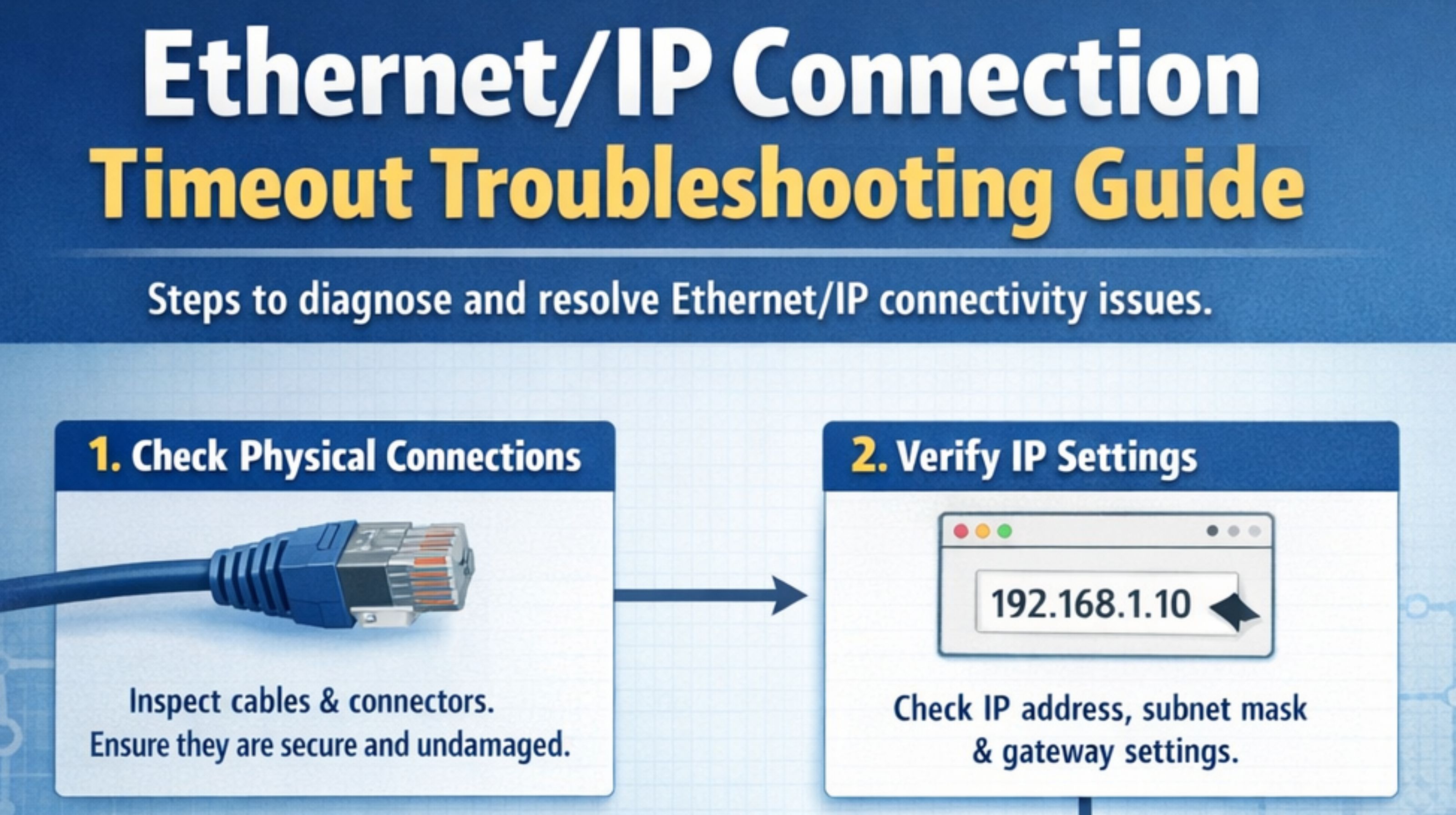
Ethernet/IP Connection Timeout Logic Fails Under Production Load
When an EtherNet/IP connection times out, the first thought is always a bad cable. Or a switch. But it's often not that. The real failure is usually a protocol mismatch, or the controller just running out of resources, but only when the machine is cycling. The first sign you see isn't a dropped link. It's inconsistent RPI performance—the connection stays up, but the data just... stops updating. It looks like a timeout. That forces you to stop pinging and start looking at the CIP connection object state, the scanner's connection table. You find these half-open sessions sitting there, eating memory, until everything just hard faults.
Clarity: What Ethernet/IP Connection Timeout Logic Actually Means
In EtherNet/IP, a "connection timeout" isn't a simple network thing. It's the watchdog timer for the CIP Class 1 connection expiring. That timer is tied to the RPI. Here's the non-obvious part: a lot of devices won't actually clean up a timed-out connection. They leave the session object allocated. So you get a resource leak in the scanner. A common mistake is treating this like a TCP problem. But the TCP socket can show ESTABLISHED while the CIP connection is dead. You have to look at vendor-specific diagnostic tags for that. Packet captures won't show you.
Reality Check: Timeout Behavior Under Real System Load
Under test, timeouts are rare. Under production load, with all the devices talking and traffic spiking, the real pattern shows up. I've seen it—one device gets overloaded, responds slow, and the scanner's connection manager gets stuck trying to recover it. That delays everything else. It cascades. The system fails when the total network jitter exceeds about 30% of your smallest RPI. After that, timeouts aren't intermittent anymore; they're chronic. You'll see this in the controller's connection count diagnostic. The HMI alarm is the last thing to know.
Mistake: Wrong Assumptions That Cause Escalation
The most expensive mistake is thinking all timeouts are the same and just swapping hardware. You escalate, put in a new switch, and the problem is still there. The wrong assumption is that a ping reply means the EtherNet/IP stack is okay. Reality is, the ICMP echo reply is often prioritized over the CIP stack. A device can ping fine while its CIP connection object is hung. Another one—not checking the embedded switch on dual-port devices. A failing ASIC there can pass basic traffic but mess up the precise timing in the CIP headers. The scanner sees that and drops the connection.
Decision Help: Fix the Network or Redesign the Architecture
You have to decide now: tune what you have, or redesign the segment. Internal fixes... they stop working when the number of dead connections overwhelms the scanner's ability to recover without hitting the control cycle. If timeouts are just on one device, you can mitigate. Increase the RPI. Verify the path is using switched unicast, not multicast flooding. Make sure the device's connection limit isn't hit. If timeouts are systemic, across multiple devices under load, you have to redesign. That usually means segmenting devices onto separate physical networks, running a protocol health audit to find the bottleneck, or moving critical I/O to its own controller. Chronic timeouts mean the architecture is at its limit.
FAQ
q What is the first diagnostic step when an EtherNet/IP connection times out?
a Look at the scanner's connection status table. Not network pings. That table shows the CIP connection object state—Established, Timed Out, Deferred. It tells you immediately if the failure is at the application layer.
q Can a switch cause EtherNet/IP timeouts even if it shows no errors?
a Yes. A switch with bad IGMP snooping config, or a saturated internal buffer, can delay CIP packets just enough to trip the watchdog. It'll show zero CRC errors. You have to check switch CPU use and multicast queue depth.
q How does RPI setting directly cause a timeout?
a The connection watchdog is usually a multiple of the RPI, like 4x. If network latency or device delay consistently beats the RPI, packets come late, the watchdog expires, and the connection flags as timed out. Even if packets are still trickling through.
q When is a timeout actually a sign of a deeper controller problem?
a When multiple, unrelated connections all time out at once. That points to scanner resource exhaustion—its connection manager is overloaded. The fix isn't in the network. You have to reduce connection count or update controller firmware. It's a decision point where a snipcol service can help with the architecture.