Device integration latency exceeding safety limits during commissioning
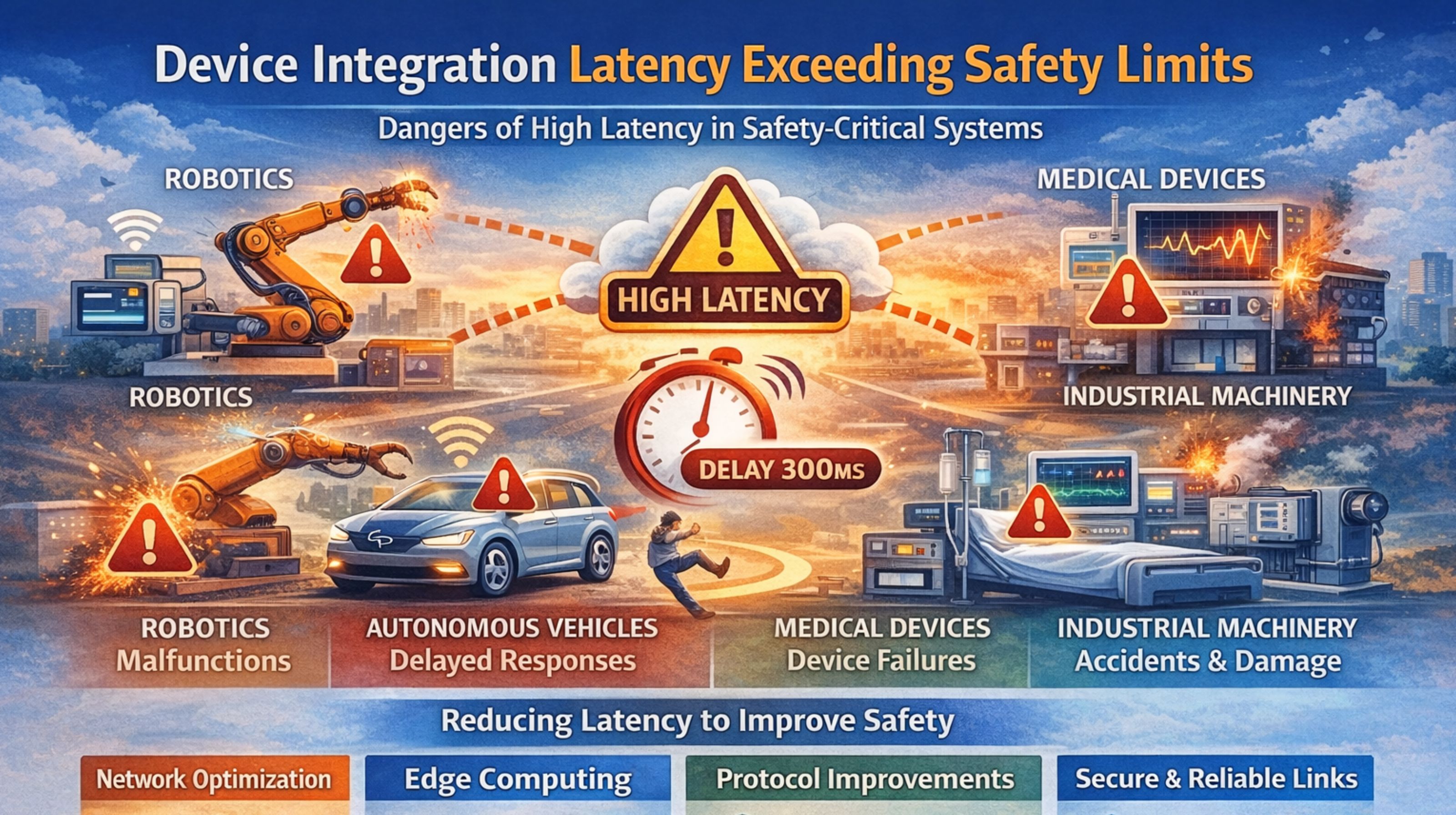
Device integration latency exceeding safety limits during commissioning
When device latency blows past that safety window during system integration, it's not just a slowdown. It's what triggers the hard system lockouts, the kind that halt the whole commissioning process and force those manual overrides—which, frankly, start to compromise the original safety design.
What latency exceeding safety limits actually means for your system
So in practice, "exceeding safety limits" usually means your integration controller has this watchdog timer. If a critical device—say a fire alarm panel or a safety PLC—doesn't respond within its designated safety window (often just 2-5 seconds), the entire handshake protocol gets aborted. The system logs a failure, marks the device offline, and you're looking at a full restart of the commissioning sequence for that entire branch. It's a hard stop.
The reality of latency under real network and device load
During live commissioning, those latency spikes aren't uniform at all. You'll get these intermittent 8-10 second delays, but only on specific BACnet MS/TP trunks or maybe a Modbus RTU line, usually when multiple devices decide to power up at once. The rest of the network might be fine. And that's what trips the safety timeout—the controller sees the lag from one critical node and interprets it as a system-wide fault, not just a local traffic jam.
Common mistakes that guarantee you'll hit the latency ceiling
Probably the most frequent error is assuming all devices on a trunk will respond with the same latency. Reality check: a legacy chiller controller with a slower processor can easily add 300-400ms to its response time once the query load hits. That creates a cascading delay, pushing the last device in the polling sequence right past the safety timeout. Teams miss this because they test devices in isolation, not under the combined interrogation load of a live protocol health audit.
How to decide your next step when latency is failing checks
First, you have to isolate whether the timeout is from network congestion, device processing lag, or just a protocol misconfiguration. Get a diagnostic tool on there to monitor the actual request-response cycle per device. If the issue is consistent on one protocol, you might need to segment the network or adjust controller timing parameters. That's a decision point—you're weighing the risk of modifying safety settings against the delay of the entire project. For persistent issues across multiple protocols, a dedicated integration engine like the Universal Engine Node can manage the timing handoffs externally, which can be a cleaner fix.
FAQ
Question: What is a typical safety limit for device response time?
Answer: It's system-specific, but for common safety-critical systems—fire, access—they often enforce a 2-3 second maximum response from a life-safety device. Go over that, and it triggers an alarm and a fail-safe state.
Question: Can adding more network switches reduce integration latency?
Answer: Sometimes, but honestly, it can make things worse. Adding switches increases hop delay and can boost broadcast traffic. The root cause is usually device processing time or a serial trunk overload, not a lack of IP network speed.
Question: What happens if we just increase the timeout value in the controller?
Answer: You void the safety certification and risk missing a genuine fault. Those limits are set to ensure a hazard is detected within a safe period. Increasing them is a fundamental design change, not just a configuration tweak.
Question: How do we proceed if one legacy device always causes a timeout?
Answer: The operational decision usually comes down to three things: replace the device, put it on a dedicated controller port with custom timing, or use a protocol gateway to manage the communication separately. That last option is pretty common in IT/OT integration projects, just to isolate the performance risk.